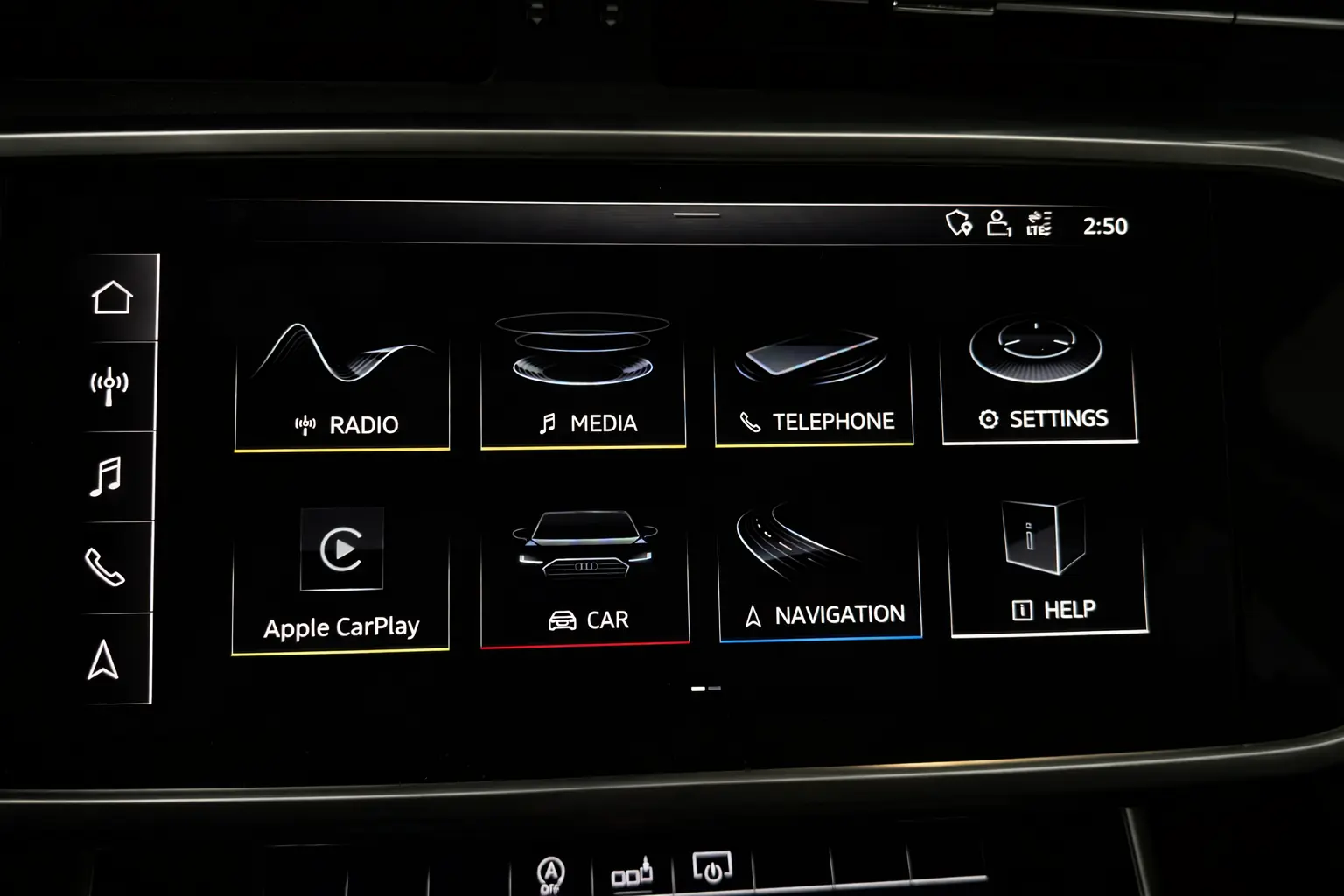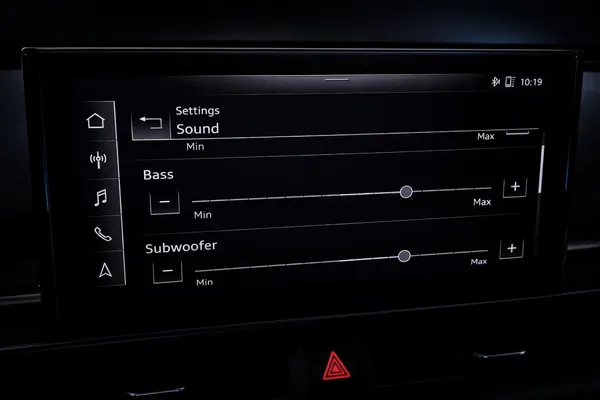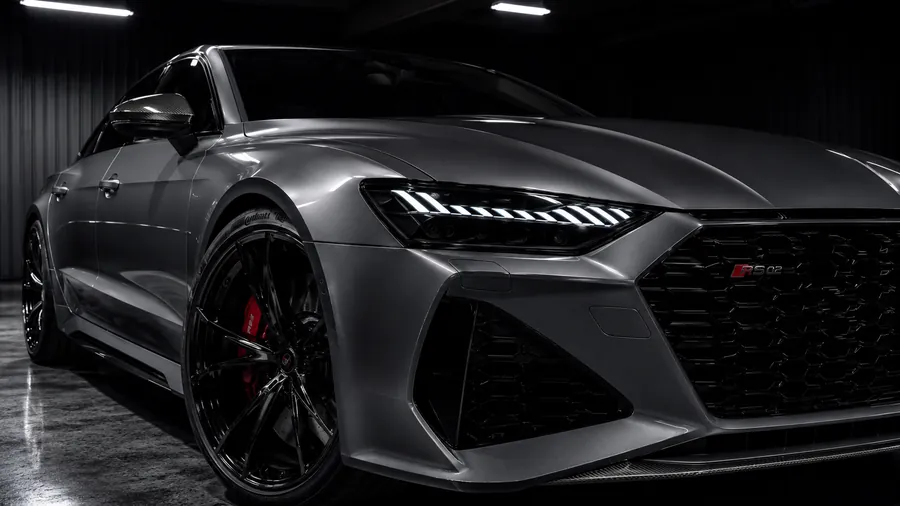
 Built-in Activation
Audi A7 C8 / S7 / RS7 Sportback — Traffic Sign Recognition Activation
Turn on the Traffic Sign Recognition your A7 C8 was born with — the camera already sees the signs, this activation puts them on the Virtual Cockpit.
What You Get
Most Audi A7 C8 Sportback vehicles left the factory with every piece of hardware Traffic Sign Recognition needs — PR-QK1 front camera, factory navigation, and a TSR-capable Virtual Cockpit — but with the feature itself dormant in the car's coding. This activation switches it on through a guided, VIN-specific OEM workflow.
The method and price depend on your exact model year:
- 2018, 2019, 2020: activation runs directly through the RetroLab Pro app — no dealer visit, no remote coding. €100.
- 2021, 2022, 2023 (Facelift): activation can only be run through a guided remote session on a Windows PC + ENet cable. €300.
The end result on the car is identical in both cases. Model year 2024 and newer are not supported.
How It Changes Behavior
From factorythe A7's front camera reads speed limits and warning signs at every road speed, but the Virtual Cockpit stays silent — no signs, no speed advisories, nothing.
After activationlive traffic signs are projected into the Virtual Cockpit (and the head-up display when fitted), exactly the way a factory-coded A7 with TSR shows them.
- 2018–2020: App activation, €100
- 2021–2023: Remote session only, €300
- 100% OEM integration — identical to factory-coded A7s
- Live speed limits and warning signs in the Virtual Cockpit
- Also reflected in the head-up display when equipped
- Guided, VIN-specific OEM activation workflow
- Lifetime VIN licence — reactivate free if a dealer update ever resets it
Requirements
- Audi A7 C8 Sportback (2018–2023)
- Front camera installed (PR-QK1)
- Factory navigation system
- Virtual Cockpit or Instrument Cluster Top
- Windows PC + ENet cable (2018–2020: iPhone 13/14 + Lightning-to-LAN adapter, or iPhone 15/16/17 + USB-C-to-LAN adapter also supported)
Compatibility Notes
- Not supported: A7 C8 with basic instrument cluster
- Not supported: 2024+ model years
- Not supported: A7 C8 without front camera PR-QK1
- Not supported: A7 C8 without factory navigation
Compatible Variants
A7 C8 Sportback, S7, RS7 — EU & NAR markets
Frequently Asked Questions
Does this work on the S7 and RS7 Sportback?
Yes. The S7 and RS7 C8 Sportback share the same platform, front camera (PR-QK1) and Virtual Cockpit architecture as the A7 C8. The activation process, pricing, and compatibility are identical across all three.
Does TSR work in the UK and Europe?
Yes. Traffic Sign Recognition reads local road signs wherever you drive — UK, German, French, Italian, Spanish, Dutch and other European formats are all supported. TSR is especially popular across Europe and the UK for these models. Even EU-spec A7, S7 and RS7 vehicles sometimes leave the factory with TSR dormant — this activation enables it permanently.
Does TSR work in the USA and Canada?
Yes. NAR-spec (North American Region) Audi vehicles are fully supported. The activation method, price and workflow are identical to the UK and European process.
How It Works
Submit your VIN — we verify compatibility
One-time payment after we confirm your car
Connect via ENet cable, follow the guided steps