

Audi OEM Activations & Feature Unlocks.
Apple CarPlay, Matrix Headlights, TSR & more — already in your Audi.
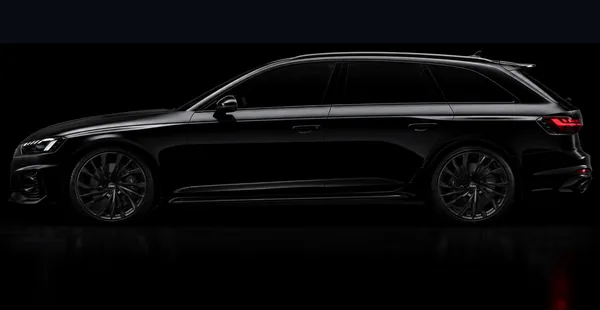
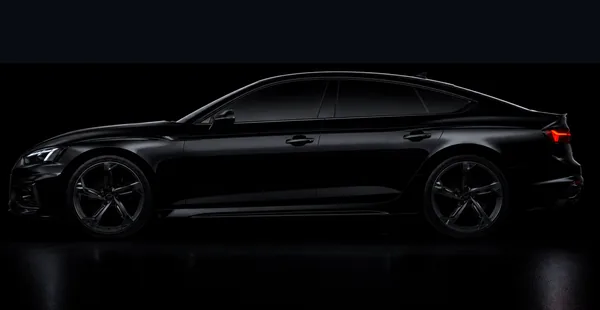
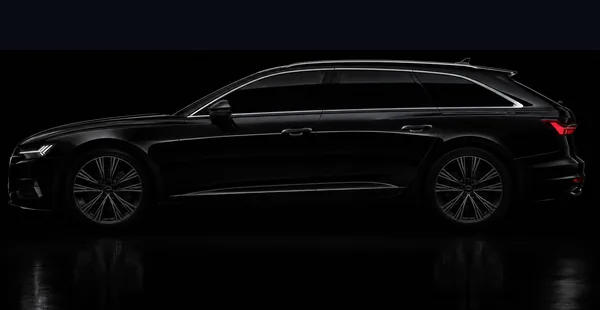
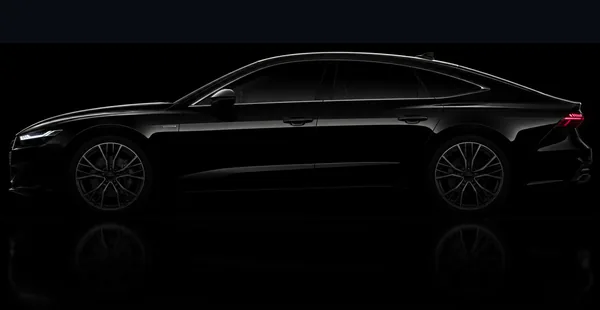
Full OEM activations that write new module data — not just coding flags. Works on A4, A5, A6, A7, A8, Q5, Q7, Q8, e-tron GE & GT. VIN-verified before you pay.
Trusted by Audi owners worldwide · Powered by Retrofit.nu
Pick your car. See what it can do.
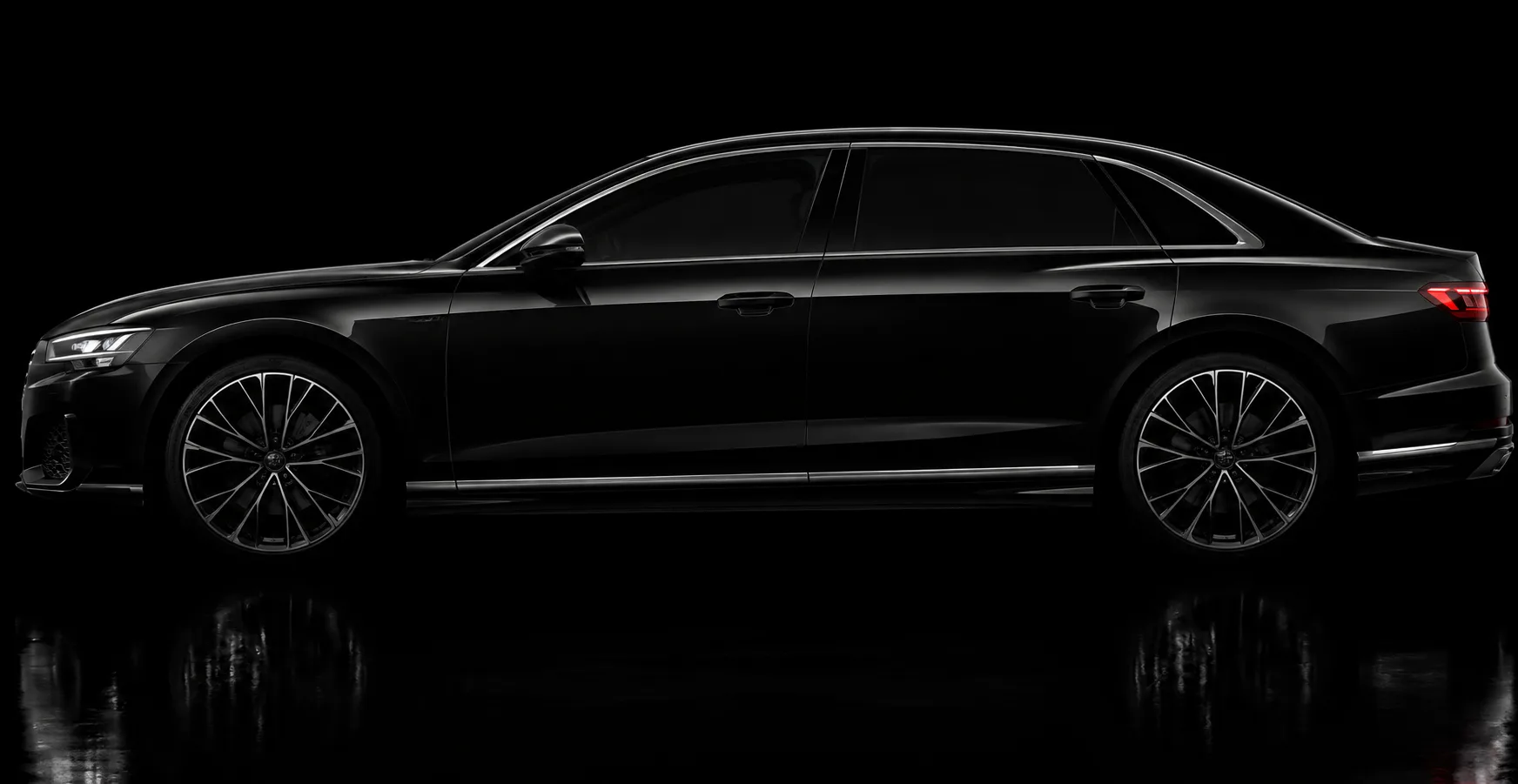
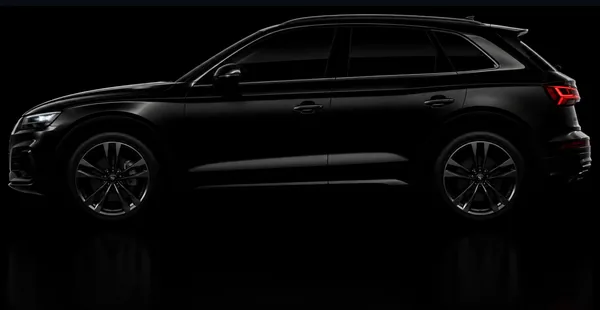


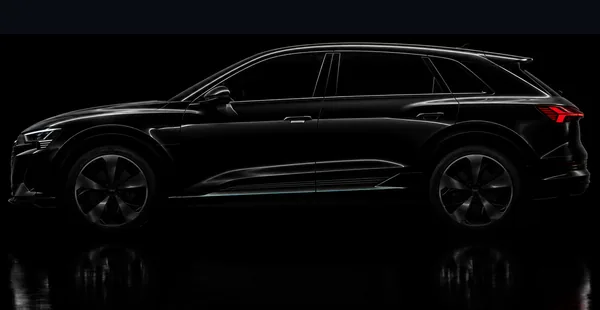
Popular Activations
Most requested features across all supported models. All activations require VIN approval before payment.
All you need is an ENet cable.
We handle the rest.
You only pay after we confirm it works for your car.
Every activation follows the same clear workflow — and payment never comes before confirmation.
Request Activation
Submit the activation you want for your vehicle. Include your VIN and any relevant details about your setup.
Manual Confirmation
The request is reviewed manually to confirm whether the activation is supported for that vehicle, equipment setup, and retrofit status. Most requests are confirmed same-day via WhatsApp.
Complete Payment
Payment is made only after the requested activation has been confirmed. You never pay for something that isn't approved first.
VIN Unlock
The approved activation is unlocked specifically for your VIN in RetroLab Pro. Only your vehicle can use it.
Connect and Activate
Connect to the vehicle using a standard ENet cable and complete the guided activation workflow in the app.
Guides & deep dives
How to Enable Audi Matrix Headlights in the US — Complete Guide
Your US-spec Audi already has Matrix LED headlights installed — but the software is turned off. Adaptive high beam, dynamic light distribution, highway mode, cornering mode, and (on Laser-equipped trims) Laser high beam — all present in hardware, all locked out in the North American software build. This guide covers every A, S, RS, Q, SQ, RS Q, allroad, Sportback, Avant and e-tron variant we activate, and how to unlock the technology you already paid for. No VCDS coding, no OBDeleven, no dealer visit — all through a simple guided app.
Read guideAudi Coding Without VCDS or Dealer Visits
Tired of researching long coding values, buying expensive licenses, and hoping you don't brick a module? There's a better way. RetroLab Pro handles Audi feature activations that VCDS and OBDeleven literally cannot perform — with zero coding knowledge required.
Read guideHidden Audi Features You Can Unlock on MLBevo Vehicles
Your Audi has more features than you think. Matrix headlights, traffic sign recognition, subwoofer controls, taillight animations — many are already built into your car but never switched on. Here's everything you can unlock.
Read guideWhat We Offer
We unlock hidden features already built into your Audi — and complete the coding after retrofit hardware installs.
No dealer visits. No complex coding. No guesswork.
Unlock Built-In Features
Your Audi already has features installed — they're just locked from factory.
We activate them safely using RetroLab Pro.
- Matrix Headlights
- Traffic Sign Recognition
- Subwoofer Menu
- RS Taillight Animation
- Dynamic Blinkers
- Apple CarPlay / Android Auto
Retrofit Codings
Installed new OEM hardware but the feature still doesn't work?
That's the coding step — Keyless, Heated Wheel + G85 calibration, Rearview Camera, TPMS and any other OEM retrofit.
- Keyless Entry
- Heated Steering Wheel + G85
- Rearview / Reversing Camera
- TPMS (direct & indirect)
- Ambient lighting, HUD, seats
- Any other OEM retrofit
Whether your car already has the feature or you've upgraded it — we make it work.
What You'll Need
Simple hardware requirements to get started with RetroLab Pro
Windows PC or iPhone
Windows 10+ or iPhone 13–17 with Lightning/USB-C
ENet Cable
OBD to Ethernet cable for vehicle connection
LAN Connection
Built-in LAN port (PC) or Lightning/USB-C to LAN adapter (iOS)
Internet Connection
Active internet for software updates and activation
RetroLab Pro
RetroLab Pro is available as a Windows desktop application and an iOS app. Both platforms run VIN-based guided OEM activations.
The Windows app is available to download at any time. The iOS app is sent to you directly after your order is confirmed.
- VIN-based configuration (vehicle-specific)
- OEM-safe guided workflows
- No manual coding required
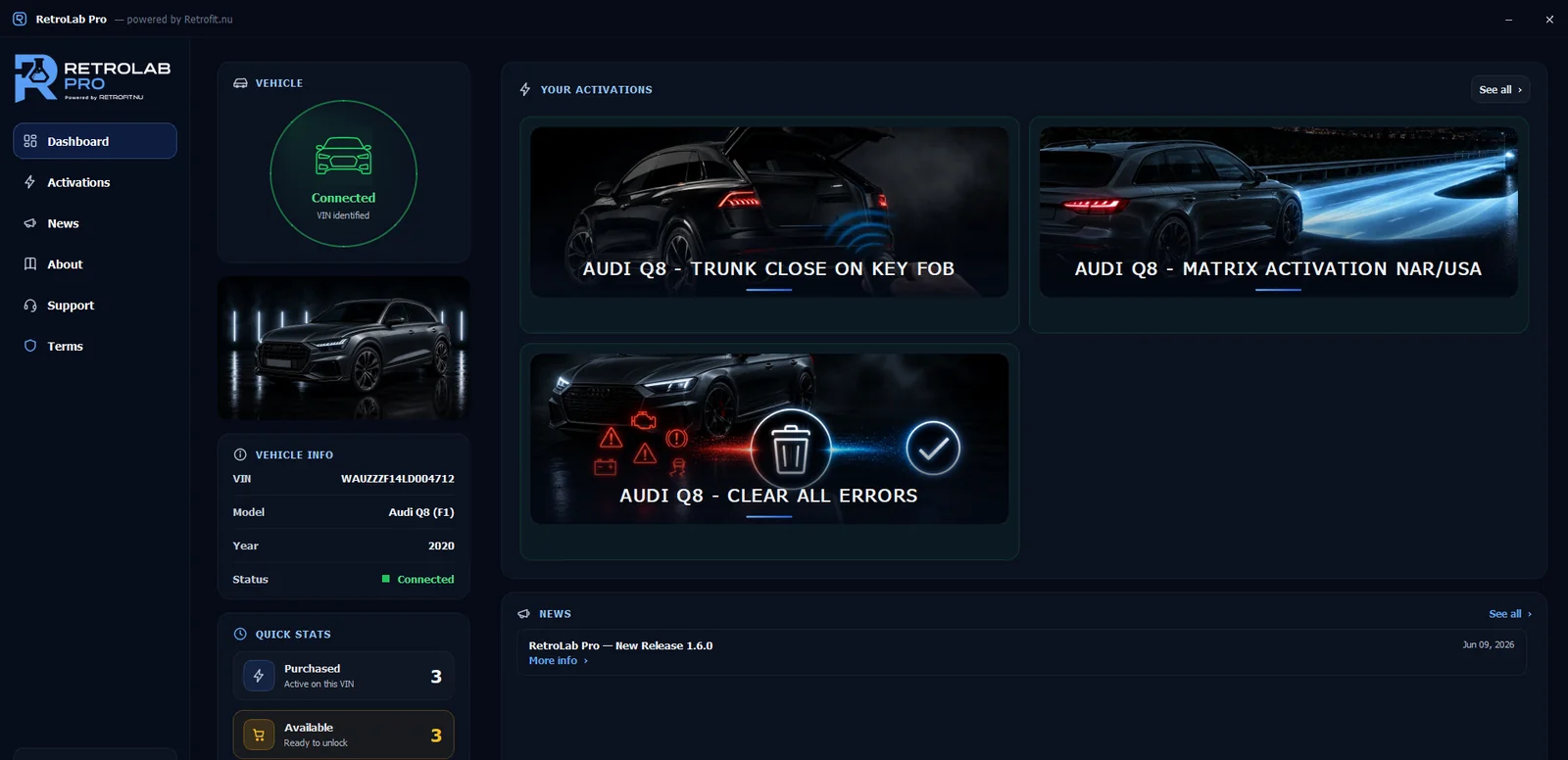
iOS App
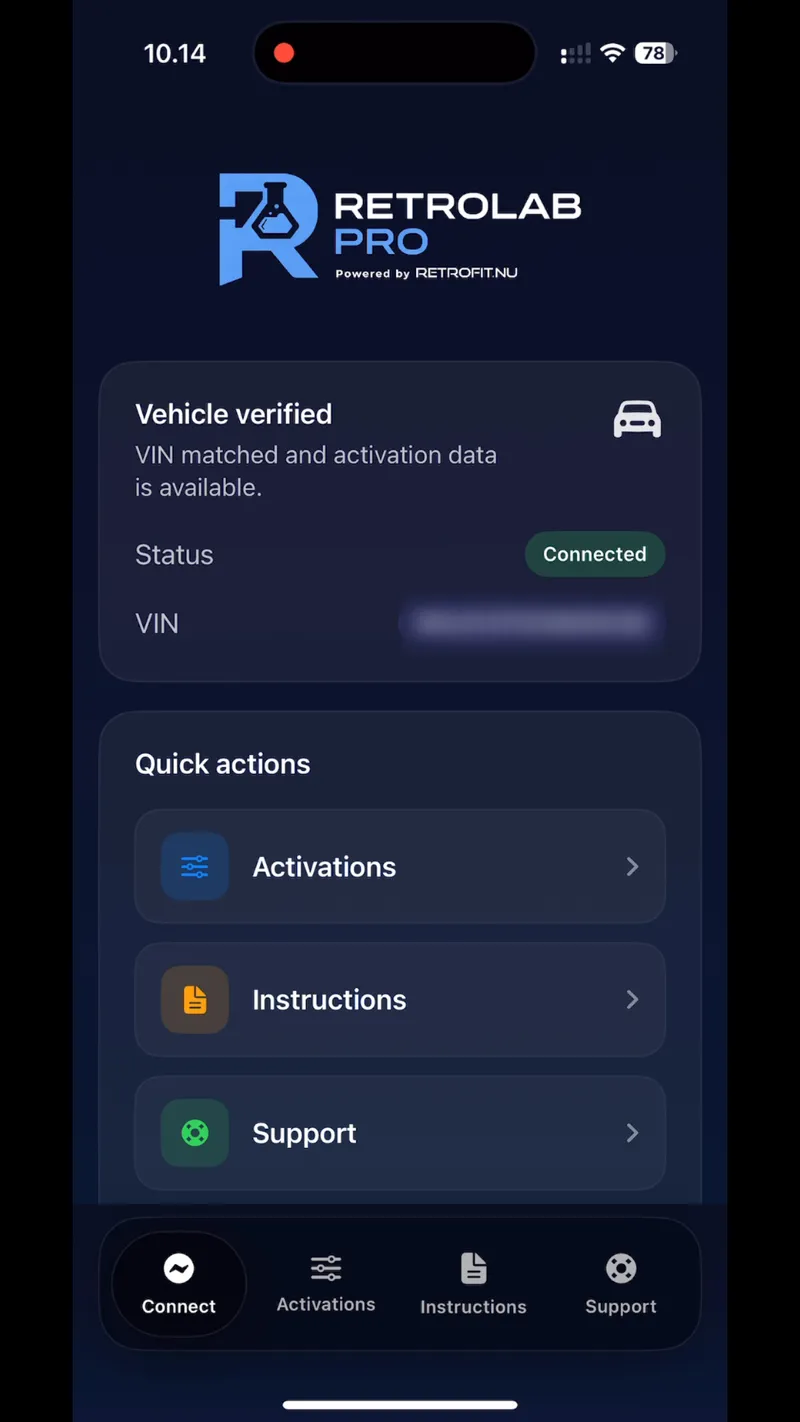
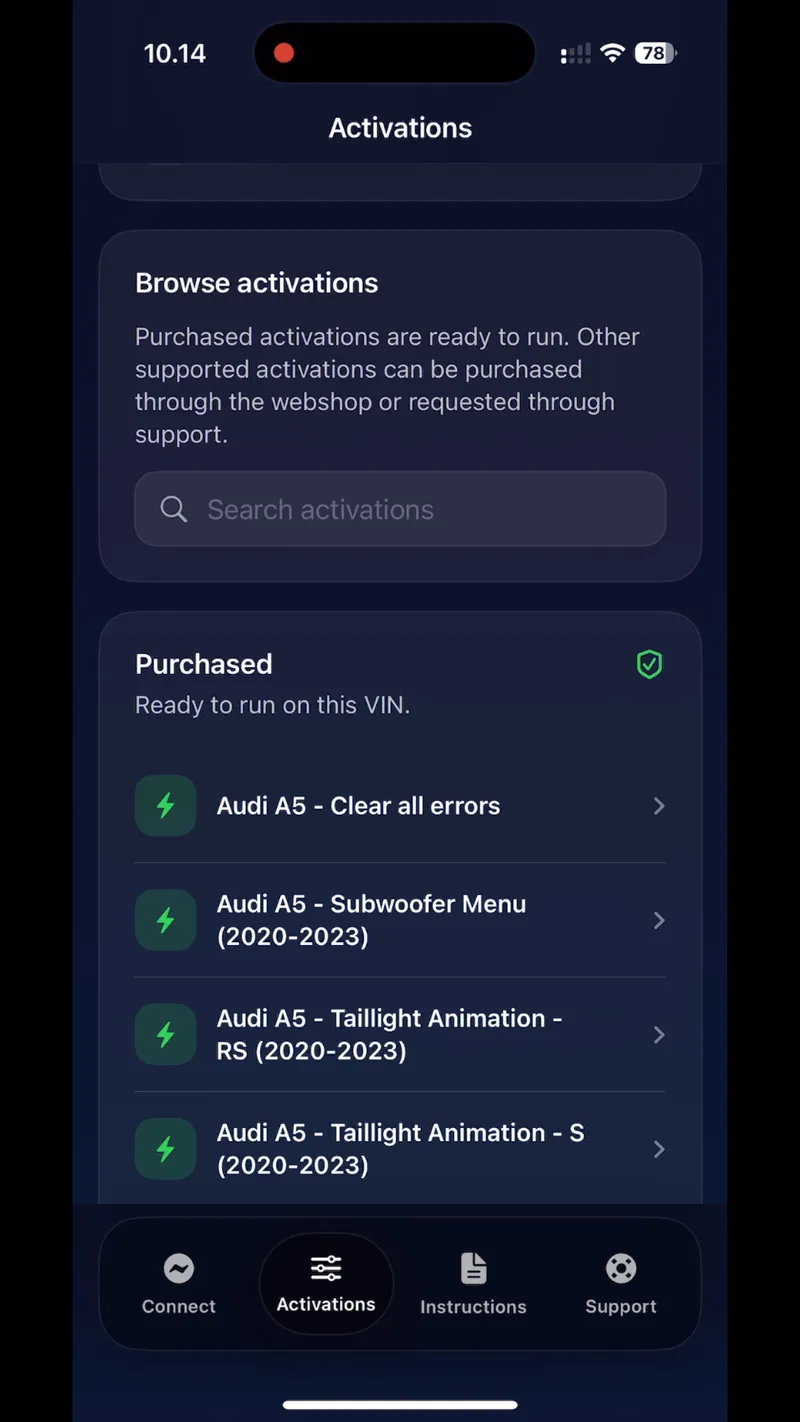
App link sent after purchase
Frequently Asked Questions
Common questions about the activation workflow, approval process, and how RetroLab Pro works
How do I know if my car is supported?
Submit a request with your VIN and the activation you're interested in. Each request is reviewed manually to confirm whether the activation is supported for your specific vehicle, equipment setup, and retrofit status. You'll receive confirmation before any payment is required.
When do I pay?
Only after we confirm the activation works for your specific car. You submit your VIN, we verify support manually (usually same-day via WhatsApp), and payment happens after that confirmation. You never pay for something that hasn't been approved first.
Why does this cost more than VCDS or OBDeleven?
VCDS and OBDeleven are coding tools — they let you toggle existing settings. RetroLab Pro performs OEM-level activations: the activation is individually prepared and performed to OEM specification — the result is identical to the factory configuration, permanent and specific to your VIN. You're paying for verified support per vehicle, OEM-grade execution, and a permanent VIN-locked licence — reactivation is always free if a dealer update ever resets it. Not the cable, not a subscription, not a coding flag.
Ready to Activate Your Audi's Features?
Join Audi owners who are activating OEM features with confidence. Submit a request and we'll confirm whether the activation is supported for your vehicle.
Simple process. Safe activation. Built for your Audi.