 Built-in Activation
Audi A5 F5 — US Matrix & Laser Headlight Activation
Your US-spec A5 already has Matrix hardware behind the lens — this activation lets the headlights actually shape the beam.
What You Get
Many Audi A5 F5 Facelift models delivered to the United States and Canada come from the factory with the full Matrix LED — and on RS5 trims, Laser — headlight hardware installed across the Sportback, Coupé and Cabriolet body styles. Yet the adaptive high beam functionality is software-restricted before delivery, so the A5 simply lights the road as a regular LED system. This OEM activation re-enables Matrix segment control on the headlight controller and restores the adaptive behaviour the hardware was originally designed for. Performed through a guided, VIN-specific OEM workflow inside RetroLab Pro — no dealer visit required. For 2024–2025 model years, SFD must be unlocked on the vehicle first. App-based at €200 if you handle SFD yourself, or guided remote session at €300 if not.
How It Changes Behavior
From factoryon a stock US-spec A5 F5 Facelift, the Matrix LEDs (and Laser, where fitted) are mounted but constrained to a fixed full-beam mode. No per-segment masking, no adaptive cornering, no shaping — just a powerful LED high beam.
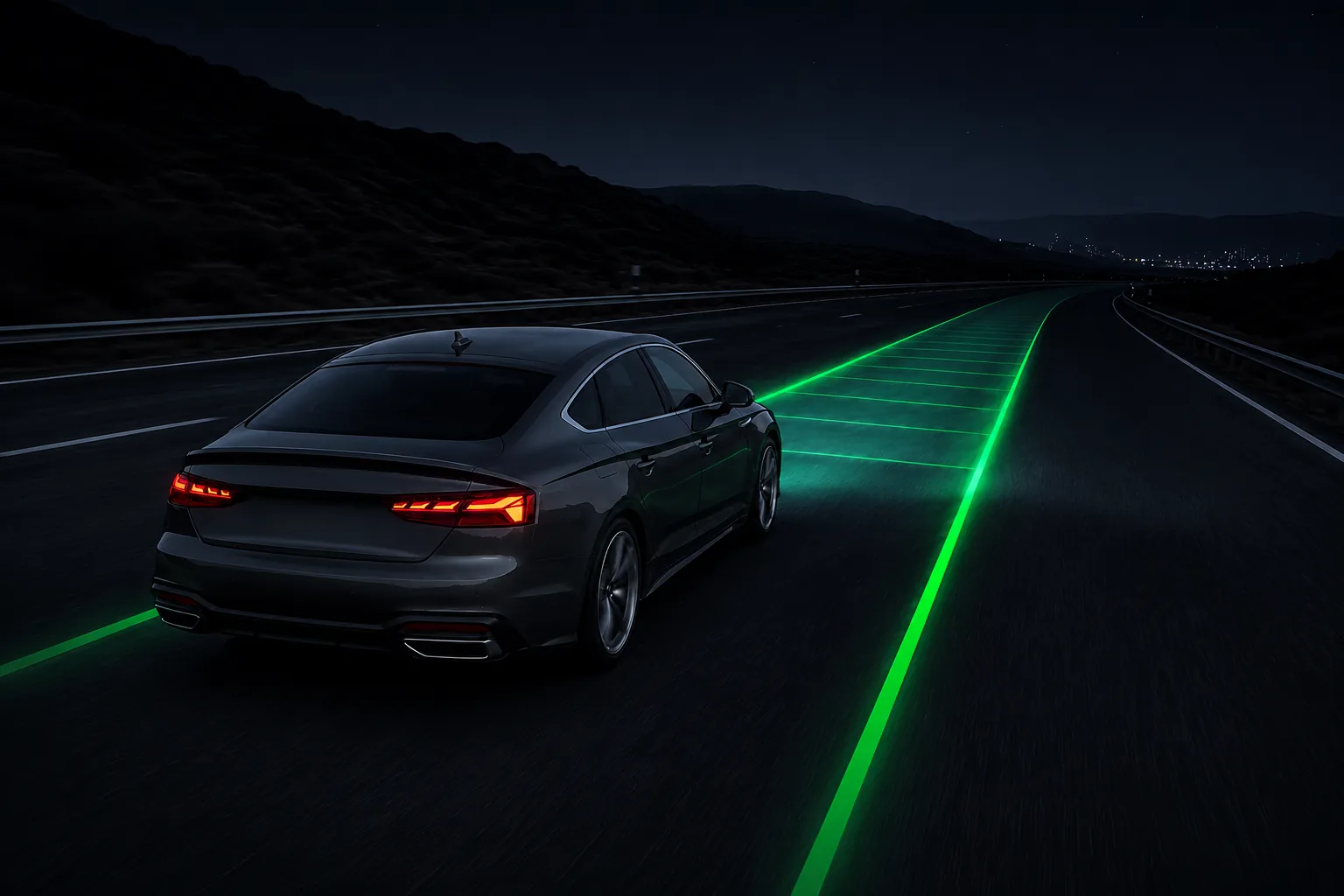
After activationthe headlight controller takes back individual control of each Matrix LED segment, masking oncoming and preceding traffic and shaping the beam dynamically as the road curves.
All individual LED segments activated for real-time adaptive masking of oncoming and preceding traffic.
Extended beam range at motorway speeds for improved long-distance visibility.
Navigation data pre-widens the beam before upcoming intersections.
Allows the fog light and Matrix high beam to operate simultaneously in poor visibility conditions.
Removes the amber daytime-running accent on some market variants, restoring a clean all-white LED front.
Illuminates only the road-facing side when parked at a kerb, per European road safety norms.
Why Matrix Headlights Are Restricted on US and Canadian Vehicles
Many Audi vehicles delivered to the United States and Canada include factory Matrix LED hardware, but the advanced adaptive lighting functionality is limited at the software level due to regional lighting regulations. Until recently, NHTSA rules did not allow segmented adaptive high beam, so Audi shipped the cars with the feature disabled even though the hardware was present. This activation unlocks the Matrix headlights and allows the adaptive lighting system to operate closer to its intended design — at the discretion of the vehicle owner.
Why the App, Not a Remote Session?
Most providers offering this activation perform it via a remote session — a technician connects to your PC over the internet and runs the process manually. RetroLab Pro does it differently. For 2018–2023 model years the activation runs entirely through the RetroLab Pro app, on your own machine, with no one connecting to your computer.
- No one accesses your PC — the activation runs locally. You stay in full control throughout the process.
- No scheduling — activate whenever it suits you. No waiting, no appointment, no time zone coordination.
- Built-in safety checks — before writing anything, the app verifies your VIN, confirms the correct control unit, and validates the activation data. Incorrect data cannot be sent to the wrong module.
- Lower price — Matrix activation via the RetroLab Pro app costs €200. Optional add-ons such as RS Animation or Blue Laser are +€50 each.
- Re-activate at any time — if a dealer visit or software update resets the activation, just run it again. Remote session reactivations are always free. The activation is released as a lifetime service for your VIN at no additional charge.
Requirements
- Audi A5 F5 Facelift US-spec vehicle (2020–2023)
- Factory Matrix LED headlights installed (Laser optional on RS5)
- Windows PC + ENet cable, or iPhone 13/14 + Lightning-to-LAN adapter, or iPhone 15/16/17 + USB-C-to-LAN adapter
Compatibility Notes
- Not supported: A5 F5 pre-facelift (different headlight controller)
- Not supported: A5 B8 / B8.5 / 8T (previous generations)
- Not supported: A5 F5 US-spec without factory Matrix LED hardware
- Not supported: non-North American vehicles (EU / RoW units already ship with Matrix enabled)
Compatible Variants
A5 Coupé, A5 Sportback, A5 Cabriolet, S5 (Coupé/Sportback/Cabriolet), RS 5 Coupé, RS 5 Sportback — F5 (2020–2023) US-spec with Matrix LED hardware
Frequently Asked Questions
Does this work on the S5 and RS5, not just the A5?
Yes — the S5 and RS5 F5 share the exact same headlight controller as the A5 F5. All three variants are fully supported, across Coupé, Sportback and Cabriolet body styles.
My car has Laser headlights (PR-8IZ). Does that change anything?
No change to compatibility. The Matrix activation works identically on Matrix LED and Matrix LED + Laser headlights. If you have Laser headlights, the optional Blue Laser Light add-on (+€50) is also available to activate the blue laser accent lamp. Note: the orange side marker is automatically disabled as part of the Blue Laser activation.
Which model years are supported?
All A5, S5 and RS5 F5 Facelift vehicles from 2020 through 2023. Pre-facelift F5 (2017–2019) and earlier generations (B8, 8T) use a different headlight controller and are not supported.
Do I need a dealer visit or specialist tools?
No dealer visit required. The activation runs through the RetroLab Pro app on your iPhone (Lightning or USB-C adapter) or a Windows PC with an ENet cable. The entire process takes around 20 minutes from home.
Will Matrix headlights survive a software update or dealer visit?
Yes. The licence is permanent and VIN-locked — one-time payment, no expiry. Certain dealer software updates (such as an SVM run) or a full module reset can clear the headlight controller — a routine service visit won't. Rerun the RetroLab Pro app at no extra charge. Remote session reactivations are always free — lifetime service for your VIN.
Is activating Matrix headlights legal in the United States?
Audi restricted Matrix at the software level to comply with older NHTSA regulations. The hardware itself is DOT-compliant and installed from the factory. The decision to use adaptive high-beam functionality on public roads is at the discretion of the vehicle owner, as it is with any high-beam system.
How long does it take to receive my activation after ordering?
After you submit your VIN, the RetroLab Pro team verifies compatibility and sends your personalised activation file within the same business day. Most customers activate within a few hours of ordering.
How It Works
Submit your VIN — we verify compatibility
One-time payment after we confirm your car
Connect via ENet cable, follow the guided steps